Equipment
3 Best Budget Golf Launch Monitors Compared (2026 Edition)

If you’ve been shopping for a budget golf launch monitor, you’ve probably noticed something: the “entry-level” category isn’t entry-level anymore. For under about $1,500, you can now get launch monitors that deliver seriously useful ball data, surprisingly strong accuracy, and even legit home-simulator potential.
And that’s exactly why I keep seeing the same question pop up in the comments:
“If they’re all pretty good… which one should I buy?”
In this post, I’m going to break down three of the best budget launch monitors on the market right now—based on real-world use cases. Not just “spec sheets,” but how they actually fit different golfers: indoor simulator-only players, range rats, and everyone in between.
The three we’re focusing on:
- Square Golf Launch Monitor (around $699)
- Rapsodo MLM2PRO (around $699)
- FlightScope Mevo Gen 2 (around $1,299)
We’ll also talk about why some popular choices didn’t make this list (yes, including the Garmin R10), and I’ll finish with which one I’d personally buy if I was spending the money tomorrow.
First, Why the Garmin R10 (and Original MLM) Aren’t on This List
Before anyone yells at their screen—yes, the Garmin R10 is still a solid launch monitor. It’s also usually cheaper than the three above, and for a lot of golfers it can still be a great option.
But here’s the thing: it’s also the oldest of the bunch, and in 2026, the rest of the “budget” market has simply caught up—and in a lot of ways passed it—especially for indoor use.
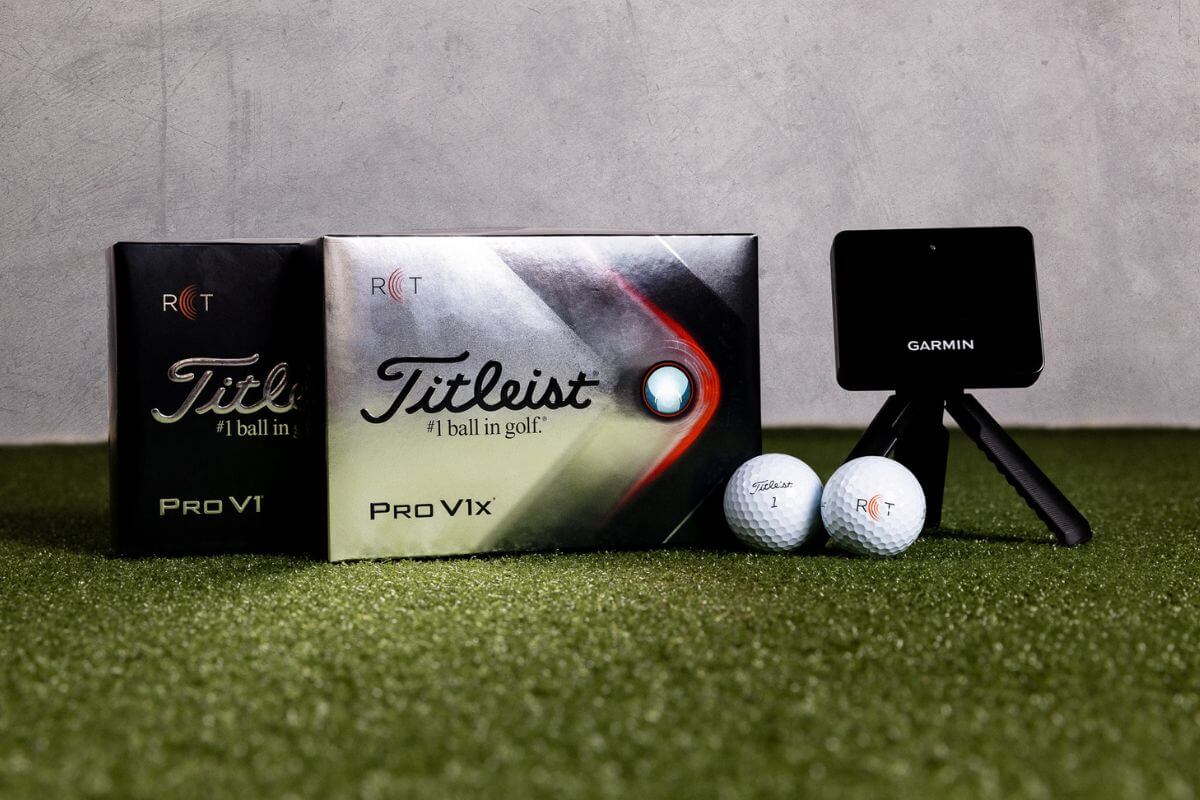
The R10 can do well outdoors, and it can get a lot better indoors if you’re using a Titleist RCT ball (radar-friendly ball that helps with spin capture). But at the end of the day, it’s still a small radar unit, and small radar units have limitations—especially when you’re hitting into a net or screen with limited ball flight.
And when you factor in the real cost—roughly $600 plus a monthly subscription if you want Garmin’s built-in sim (Home Tee Hero)—you’re close enough to the $699 options that I think it’s worth stepping up.
Now, the original Rapsodo MLM is also still relevant—but I’d classify it as ultra-budget / entry-level at this point. As a basic launch monitor? Great for the price. As a home simulator “brain” with robust sim features? Not really the best fit anymore compared to what’s out now.
One more quick note: there are new launch monitors coming soon (like the Shot Scope LM1) that look promising in the pure launch monitor category—especially because some will have no subscription fees—but they’re not necessarily aimed at being full simulator units. We’ll cover those as they launch.
A Quick Reality Check on Software: GSPro, Awesome Golf, and “Subscription Confusion”
This is important because it trips people up constantly:
Third-party simulator software has its own costs no matter what launch monitor you buy.
So if you plan to use:
- GSPro
- Awesome Golf
- E6 (beyond any bundled/free content)
…just understand that those subscriptions or license fees aren’t coming from Square, Rapsodo, or FlightScope. That’s separate.
The good news is: each of these launch monitors has some form of built-in simulation capability, so you’re not forced into third-party software. But if your plan is GSPro (which is a popular plan), budget for it.
Square Golf Launch Monitor Review (Around $699)
Square made waves for a simple reason: it’s one of the most cost-effective ways to get both ball data and club data with strong accuracy—without being locked into a monthly subscription.
If your goal is: “I want the lowest-cost, accurate launch monitor for an indoor simulator,” Square is hard to beat.
What Square Does Really Well
- Excellent value for the money — around $699 and no required subscription
- Accurate — in testing, numbers were surprisingly close compared to a much more expensive unit (like a GC3)
- Camera-based performance — great for indoor setups with limited ball flight
- Clean, easy-to-use interface
- Works with third-party software like GSPro and Awesome Golf
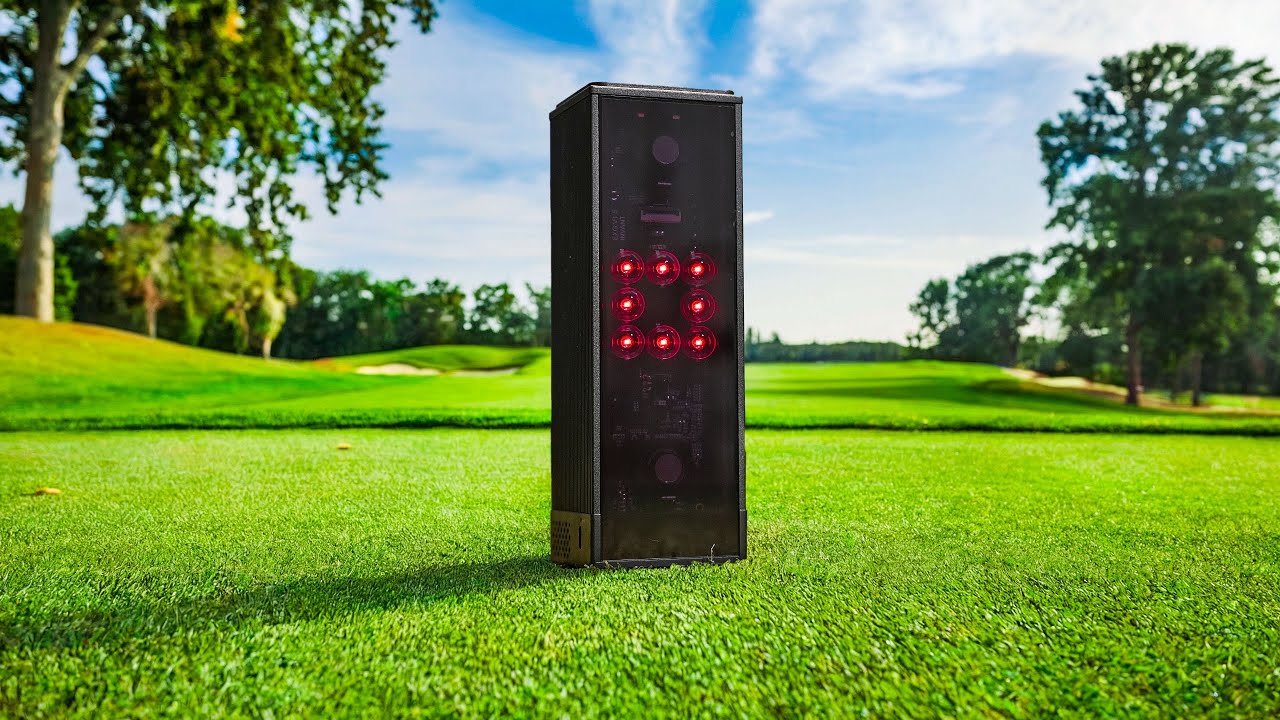
Square is a pure camera-based launch monitor. In general, camera-based units tend to be more comfortable indoors because they can capture what they need in a very short window.
The Catches (and They Matter)
There are two big ones:
- You cannot use it outdoors. Period. No range sessions. No backyard practice. It’s an indoor-only unit.
- Built-in simulation uses a credit system. It’s not a subscription, but it isn’t “unlimited” either. You buy credits as you use them. If you hate subscriptions, you might actually prefer this—because you’re not locked into monthly payments.
There’s also one more issue I’ve seen floating around: some golfers have complained about slow customer service response times. I haven’t personally run into it, but it’s come up enough in forums/social that it’s worth mentioning. It sounds like Square got popular fast and may have been overwhelmed.
Should You Wait for the Square Omni?
This is where things get interesting. Square has announced a newer unit called the Square Omni. The big promise: more robust features, more cameras, and (supposedly) indoor + outdoor capability.
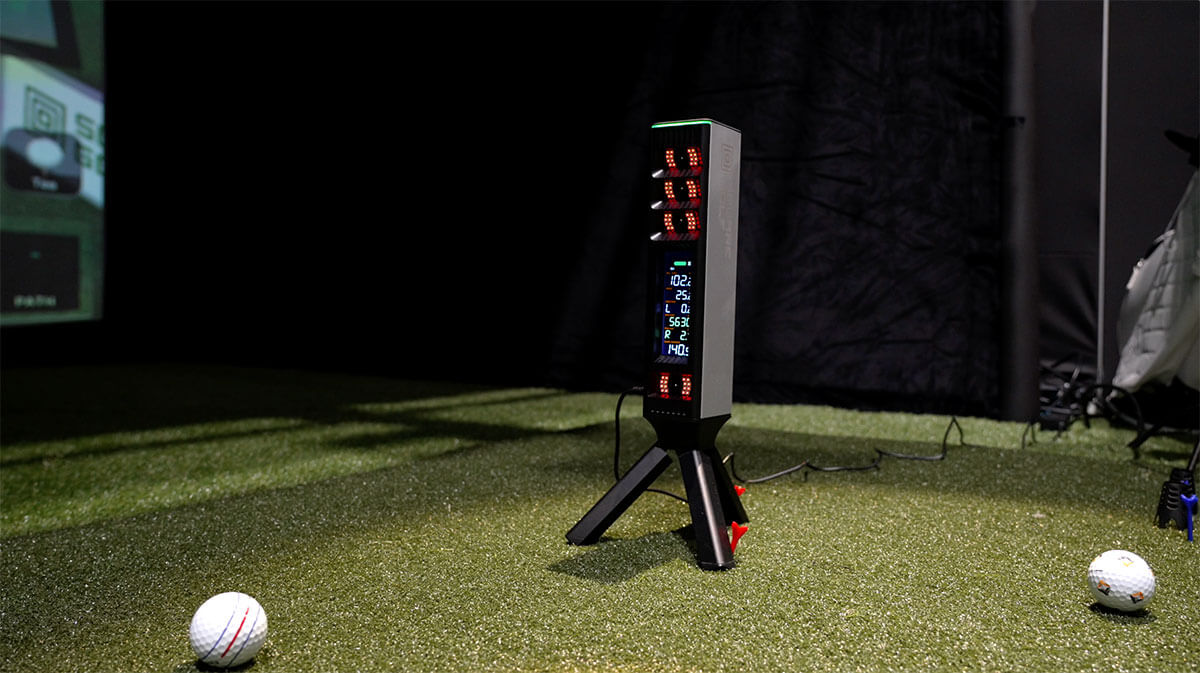
The catch: price. Rumors put it around $1,600, which is about double the original Square. That’s a totally different buying decision.
Bottom line on Square: If you’re indoor-only, want strong data, and want to avoid subscriptions, Square is one of the best values in the entire category.
Rapsodo MLM2PRO Review (Around $699)
The Rapsodo MLM2PRO is one of the most popular launch monitors in this range, and it’s easy to see why: it’s flexible.
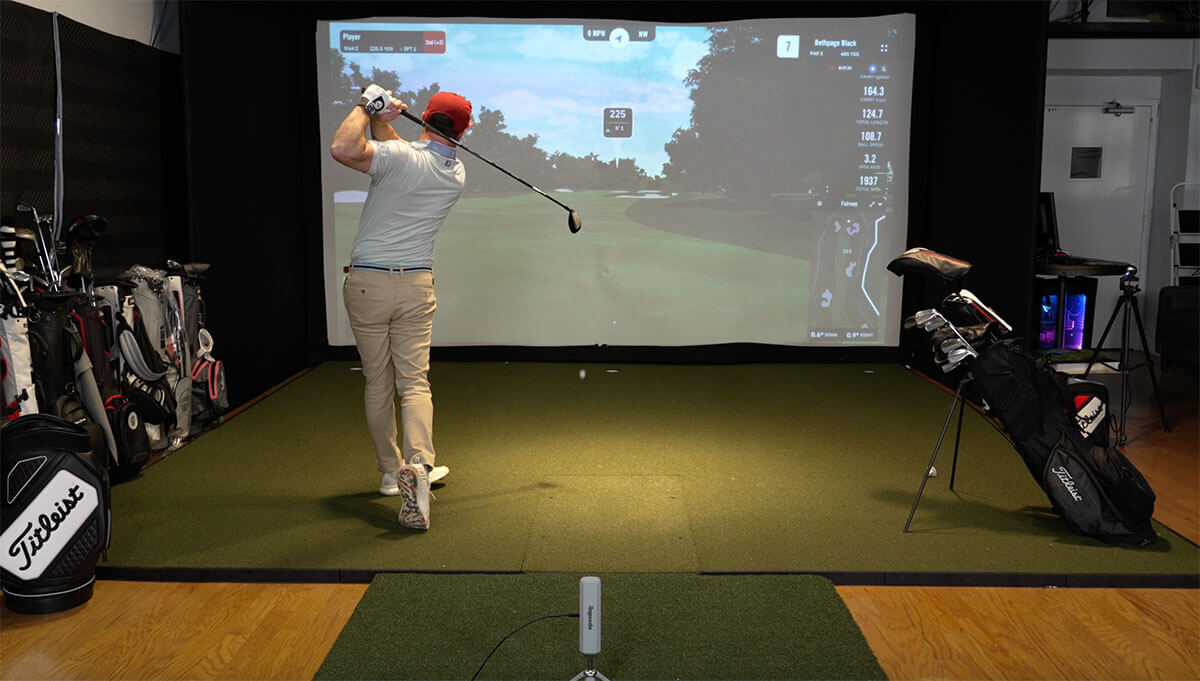
Unlike Square, the MLM2PRO works indoors and outdoors. That alone is a deal-maker for a lot of golfers. Personally, I use it roughly 70% indoors (simulator) and 30% outdoors (range).
It’s also super portable—you can break it down, toss it in your bag, and go.
What Makes the MLM2PRO Special
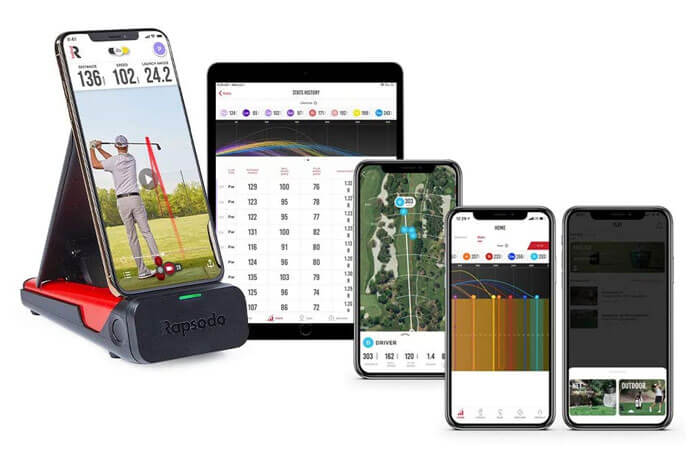
This unit is a hybrid: it uses radar plus two cameras.
- Impact camera that captures strike/ball contact detail
- Swing vision camera that records your swing (without needing to use your phone camera)
That built-in camera system is a huge win if you like reviewing your swing and seeing your tracer + motion together.
On top of that, Rapsodo has added a lot:
- Range modes
- Built-in simulation with a massive course library (they’ve marketed around 30,000 courses)
- Ongoing feature updates and improvements
- Newer integration options (including GSPro support)
The Big Hang-Up: The Subscription
This is what most golfers get stuck on: the MLM2PRO is affordable upfront, but many of the best features require the premium membership, which is around $200 per year.
Over time, that can add up—and it’s why some golfers lean toward Square (no subscription) or FlightScope (no subscription).
But I’ll say this: Rapsodo has been rolling out meaningful upgrades, and the MLM2PRO has legitimately gotten better over time. That premium plan isn’t just “unlocking stuff,” it’s basically paying for ongoing development.
Still—if you hate subscriptions on principle, the MLM2PRO might annoy you.
FlightScope Mevo Gen 2 Review (Around $1,299)
The Mevo Gen 2 is the newest-feeling option in this lineup, and it’s exciting for one major reason:
No subscription fees.
That’s a big deal if you plan to keep a launch monitor for years.
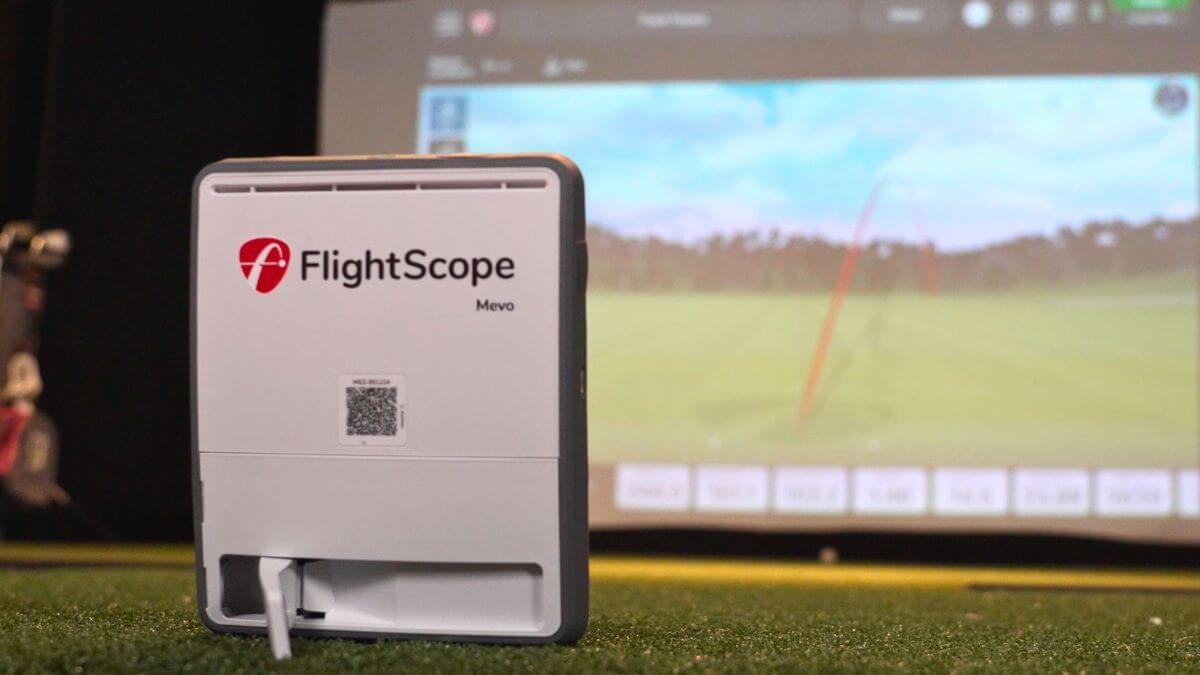
The Mevo Gen 2 is a radar-based unit. And here’s the general rule with radar:
The more ball flight you can give it, the better it performs.
That means it tends to shine outdoors, where the ball can fly freely. Indoors? It can still work, but space becomes a bigger deal.
Why the Mevo Gen 2 Can Be Awesome
- No subscription for core features
- Indoor + outdoor use
- Solid ball + club data
- Option to upgrade with one-time “pro” packages (for advanced data)
- Works with simulator software like GSPro (software costs still separate)
It also typically includes some starter sim content (often E6 with a small course package), which is a nice bonus for new users.
The Biggest Limitation: Space (Especially Indoors)
If you’re building a home golf simulator, this matters:
Radar needs space.
The Mevo Gen 2 typically requires the most room between:
- the unit and the ball
- the ball and the screen/net
In some setups, it can push your required depth toward (or above) 20 feet to get the best results.
And driver is where the constraints show up most. Indoors, the ball hits the screen quickly, and the system may not get enough time to confidently measure spin—unless you’re using something like the Titleist RCT ball, which can dramatically help radar-based indoor spin capture.
Even then, the short flight window can create challenges with driver compared to camera-based indoor units.
Bottom line on Mevo Gen 2: If you’re mostly outdoors and you hate subscriptions, this can be a fantastic buy. If you’re mostly indoors and tight on space, it’s not the first unit I’d pick.
Indoor vs Outdoor: The Simplest Way to Decide
If you’ve read this far and you’re still unsure, here’s the simplest breakdown:
- Indoor-only simulator golfer, lowest cost, no subscription: Square
- Indoor + outdoor flexibility, portable, great built-in camera features: Rapsodo MLM2PRO
- Mostly outdoors, want radar strengths, no subscription: FlightScope Mevo Gen 2
And one more thing: space matters. If your simulator depth is limited, camera-based (or hybrid camera-supported) options are generally easier to live with than pure radar.
Which One I’d Personally Buy (and Why)
If I was spending this kind of money tomorrow, I’d personally choose the Rapsodo MLM2PRO.
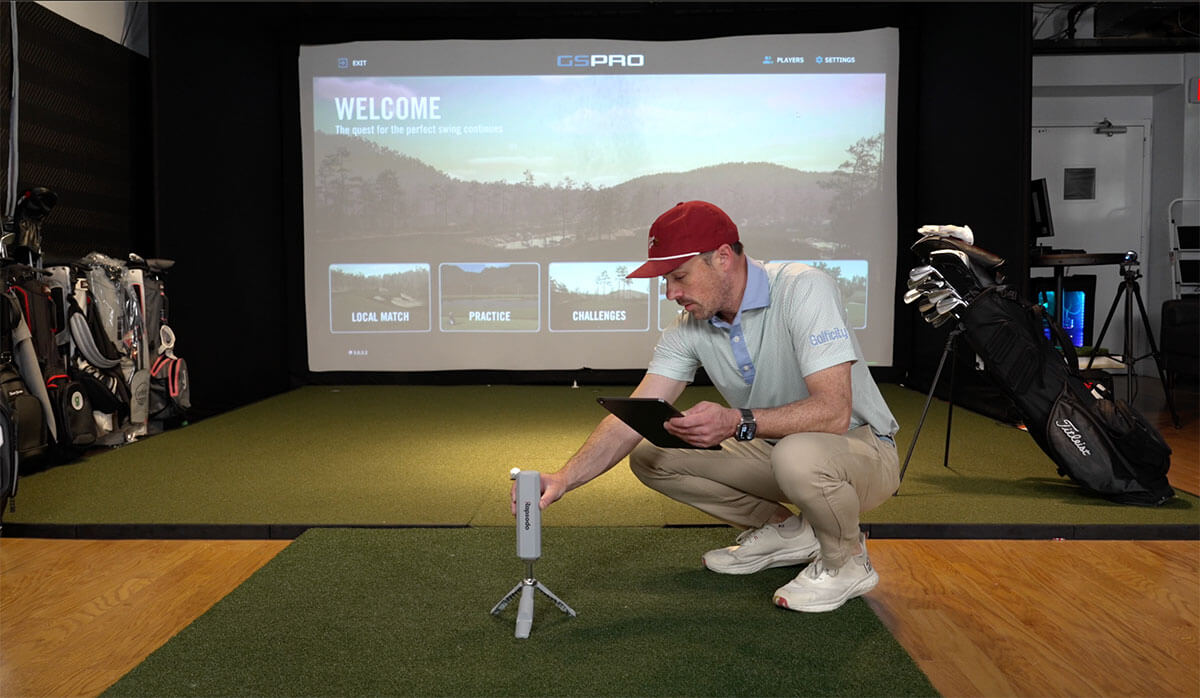
Not because it’s “the best” for everyone—but because it fits my use case the best:
- I use it indoors for simulation most of the time
- I still like being able to bring it to the range
- I love the dual-camera system (impact + swing video)
- I use GSPro a lot, and it works well in that ecosystem
But here’s the trick that I think changes the whole value equation:
The Subscription Math: Why the Lifetime Membership Matters
Yes, the premium plan is around $200 per year. Over time, that adds up.
But Rapsodo also offers a lifetime membership around $599.
So if you think long-term, the “real” way to price the MLM2PRO (if you want everything unlocked without ongoing payments) is:
- MLM2PRO ($699) + Lifetime ($599) = roughly $1,200 all-in
And that’s interesting… because it puts it right in the same neighborhood as the Mevo Gen 2.
At that point, you’re basically comparing:
- MLM2PRO: hybrid radar + cameras, great portability, indoor/outdoor, built-in cameras, constant feature updates
- Mevo Gen 2: radar strengths, no subscription, strong outdoors, needs more indoor space
For me, the MLM2PRO wins because I like the indoor/outdoor balance and the camera features. If I was mostly outdoors, I’d be looking a lot harder at the Mevo Gen 2.
Final Thoughts (and What’s Coming Next)
The best part about this category right now is that there really aren’t many “bad” choices. Under $1,500, you can get launch monitors with impressive accuracy and very real simulator potential.
But your best pick depends on how you’ll use it:
- Indoor-only, hates subscriptions: Square
- Indoor + outdoor, wants portability and built-in cameras: Rapsodo MLM2PRO
- Mostly outdoors, wants no subscription and radar strengths: FlightScope Mevo Gen 2
And the market is moving fast. There are new launch monitors coming soon, and we’re going to keep testing and reviewing them as they hit the market—because this space is changing constantly.
Where to Get Them
If you’re wondering where to get any of these budget launch monitors, our go-to spot is PlayBetter.com. Here are the links to each:
- Square Golf Launch Monitor (around $699)
- Rapsodo MLM2PRO (around $699)
- FlightScope Mevo Gen 2 (around $1,299)
Use code “GOLFICITY” for the best price.


LIV Golf Could Be Facing its Final Chapter

Foresight GC2 Review: A Surprisingly Affordable Launch Monitor From Foresight

FIRST LOOK: Rapsodo MLM2XPRO Adds Putting, Faster Performance & More

FIRST LOOK: Titleist’s 2027 Pro V1 and Pro V1x Are Officially Showing Up on Tour

2026 Presidents Cup Preview: Did Team USA Get It Right?
2026 Presidents Cup Preview: Did Team USA Get It Right?
FIRST LOOK: Rapsodo MLM2XPRO Adds Putting, Faster Performance & More
Foresight GC2 Review: A Surprisingly Affordable Launch Monitor From Foresight

Turning Stone: The Northeast’s Most Underrated Golf Destination
FIRST LOOK: Titleist’s 2027 Pro V1 and Pro V1x Are Officially Showing Up on Tour

We Played This Old Golf Course Where Thomas Edison Was A Member

Are You MEASURING Your Golf Swing Correctly? (This Can Help)

Zach Johnson Explains Why He Didn’t Pick Bryson DeChambeau for the Ryder Cup

Justin Thomas FIRES Coach before Ryder Cup…Who’s Next?