
Equipment
How to Choose the Best Golf Simulator for Putting (2026 Guide)

If you’re building a home golf simulator, chances are you’re thinking about driver distance, ball speed, and iron accuracy.
But if you want a simulator that truly recreates the experience of playing real golf, you need one that can accurately track putting.
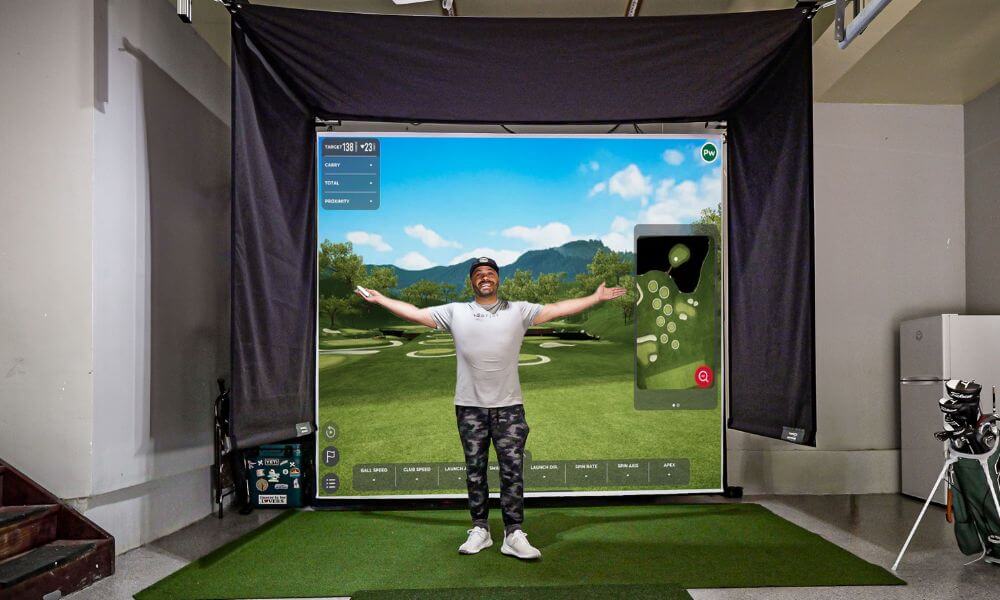
Putting accounts for roughly 40% of the strokes in a typical round of golf. Yet many launch monitors struggle to track the slow ball speeds and precise launch angles involved with short putts.
The good news is that modern golf simulator technology has improved dramatically. Today’s best launch monitors can accurately capture everything from a 300-yard drive to a delicate 5-foot putt.
In this guide we’ll cover everything you need to know about choosing the best golf simulator for putting, including:
- Why putting matters in a simulator
- Camera vs radar launch monitor technology
- The best launch monitors for simulator putting
- Simulator software that handles putting well
- The best putting mats for simulators
- Common putting issues in simulators
If you’re still planning your simulator build, check out our full guide on how to build a home golf simulator.
Why Putting Matters in a Golf Simulator
Many early golf simulators ignored putting entirely. Instead of rolling the ball, players used a “gimme” distance where any putt inside a certain range counted as made.
But today’s simulator software like GSPro, E6 Connect, and FSX Play allows golfers to putt with surprisingly realistic physics.
To simulate putting accurately, launch monitors must measure:
- Extremely slow ball speeds
- Launch direction
- Initial roll
- Spin characteristics
Without these measurements, simulated putts can behave unpredictably.
Camera vs Radar Launch Monitors
Camera (Photometric) Systems
Camera-based launch monitors use high-speed cameras to capture the ball immediately after impact.
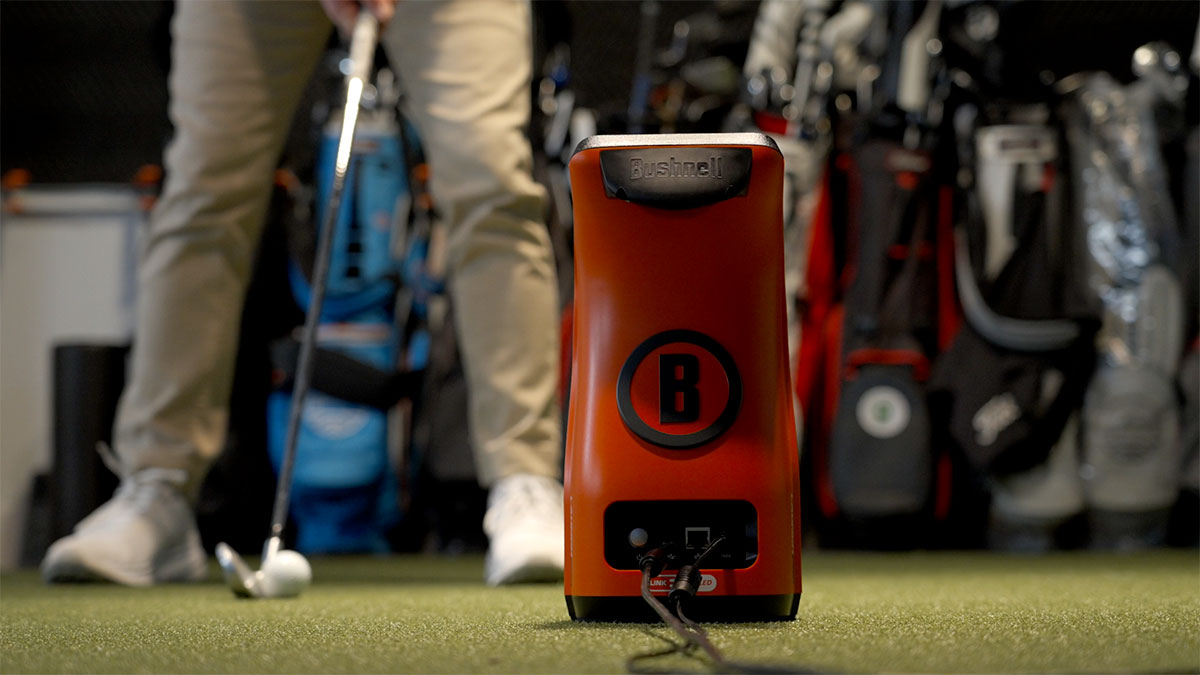
This makes them extremely effective at measuring:
- Slow ball speeds
- Short chip shots
- Putting roll
Because they capture the ball right after impact, camera systems tend to provide the most accurate putting data.
Radar Launch Monitors
Radar systems track the ball over distance using Doppler radar.
This technology works incredibly well for full swings but may struggle slightly with slow-moving putts.
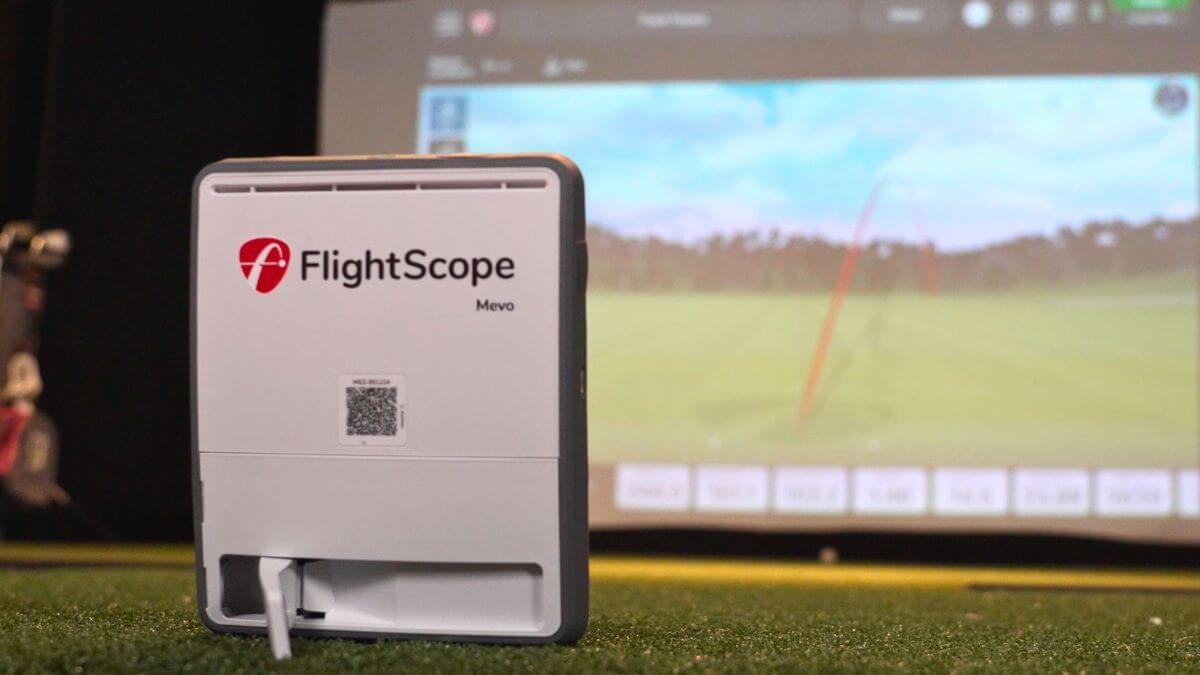
Radar systems typically require:
- More space behind the ball
- Longer ball flight distance
- Reflective dots in some cases
For golfers prioritizing putting realism, camera-based systems often perform better indoors.
For an even deeper drive, make sure to check out our full guide on Radar vs. Camera Launch Monitors here.
Key Putting Launch Monitor Features to Look For
- Slow Ball Speed Detection
- Putts can leave the clubface under 5 mph.
- Launch Direction Precision
- Even a tiny error can cause missed putts.
- Short Game Tracking
- Launch monitors that track chips well usually track putts well.
- Simulator Software Compatibility
- The simulator software determines how greens roll and break.
Putting Capable Launch Monitor Comparison Table
| Launch Monitor | Technology | Putting Accuracy | Indoor Use | Best For |
|---|---|---|---|---|
| Square Golf | Camera | Very Good | Yes | Budget simulators |
| Foresight GC3 | Camera | Excellent | Yes | Premium simulators |
| Bushnell Launch Pro | Camera | Excellent | Yes | High value premium |
| SkyTrak+ | Camera + Radar | Good | Yes | Mid-range setups |
| FlightScope Mevo | Radar | Fair | Yes | Indoor/outdoor flexibility |
Square Golf Launch Monitor
The Square Golf Launch Monitor has quickly become one of the most exciting new launch monitors for indoor simulators.
It provides excellent short-game tracking and impressive putting accuracy for the price.
Pros
- Excellent value
- Accurate putting detection
- Club and ball data
Cons
- Requires marked balls
- Indoor only
Foresight GC3
The Foresight GC3 is widely considered one of the most accurate launch monitors available for indoor golf simulators.
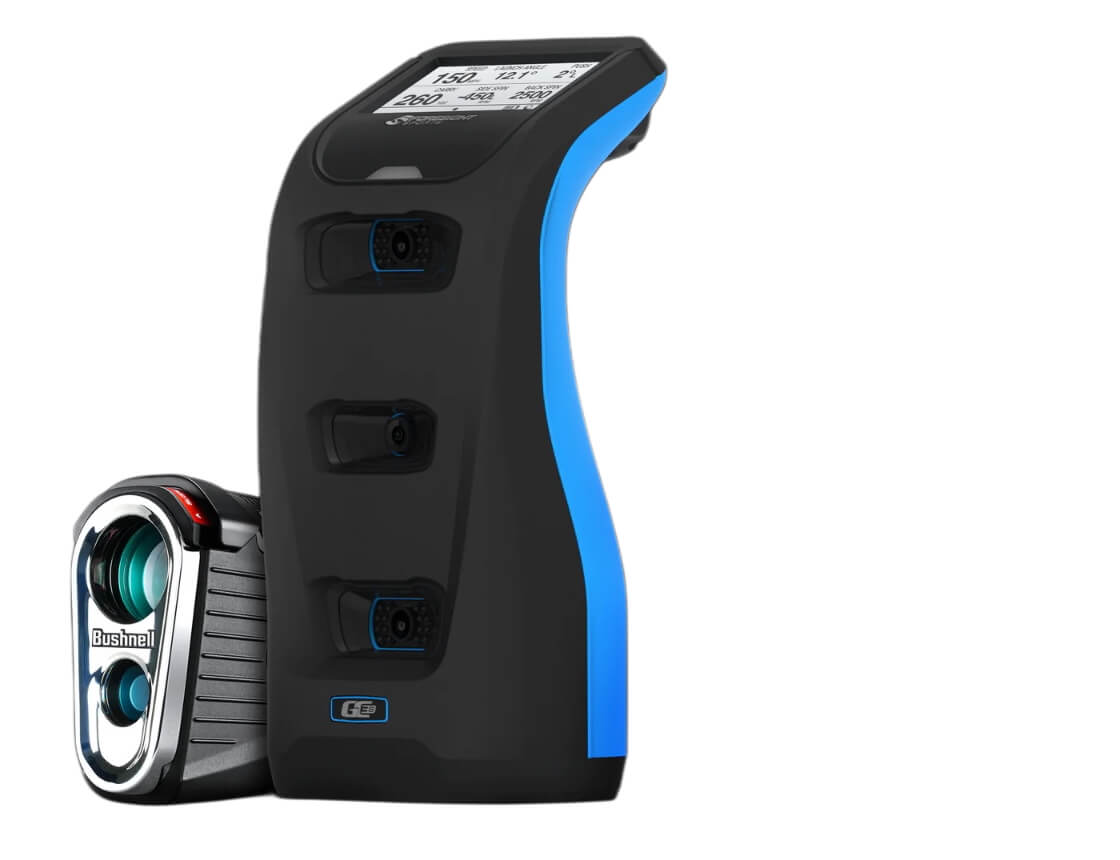
Its triple-camera system provides extremely precise ball and club data.
Pros
-
Tour-level ball data accuracy
-
Excellent for putting and short-game tracking
-
Reliable indoors with fast shot detection
-
Built-in display allows standalone use
Cons
-
Higher upfront cost than most consumer launch monitors
-
Club stickers required for full club data
-
Some advanced club metrics only available on GCQuad
Bushnell Launch Pro
The Bushnell Launch Pro shares the same core technology as the GC3 and offers excellent accuracy.
Pros
-
Excellent accuracy, comparable to the GC3
-
Very strong putting and short-game tracking
-
Built-in display allows quick practice without a device
-
Works well with simulator software like FSX Play and GSPro
Cons
-
Subscription required to unlock full data and simulator features
-
Requires club stickers for club data
-
Slightly bulky compared to some portable launch monitors
SkyTrak+
The SkyTrak+ is one of the most widely used launch monitors for home simulators.
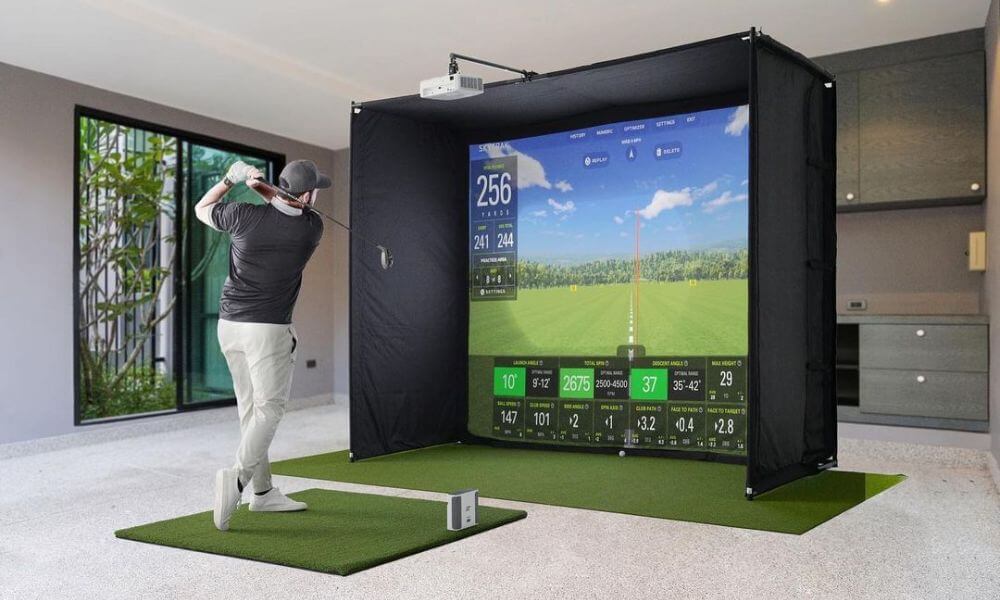
Pros
-
Very good accuracy for the price
-
Works well with simulator software like GSPro and E6
-
Compact design that requires minimal space
-
Easy setup and beginner-friendly interface
Cons
-
Slight shot delay before ball flight appears on screen
-
No built-in display (requires tablet or PC connection)
-
Not as accurate as premium camera systems like GC3
FlightScope Mevo Gen 2
The FlightScope Mevo Gen 2 provides excellent full-swing data and works indoors or outdoors.
Pros
-
Very affordable compared to most simulator launch monitors
-
Works indoors and outdoors for versatile practice
-
No subscription fees for core features
-
Tracks key ball metrics including speed, spin, carry, and roll distance
Cons
-
Requires more space behind the ball (typically ~8 feet)
-
Radar systems can be less precise for short putts
-
Fewer advanced club data metrics than higher-end launch monitors
Best Simulator Software for Putting
The launch monitor tracks the shot, but the simulator software determines how the ball behaves on the green.
The most popular simulator software options include:
- GSPro – extremely realistic putting physics
- E6 Connect – great for online play and leagues
- FSX Play – designed for Foresight launch monitors
Each software platform allows adjustments for green speed and firmness.
Best Putting Mats for Golf Simulators
Even the best launch monitor won’t perform well if the putting surface is inconsistent.
Many simulator owners use:
- Fiberbuilt putting turf
- TrueStrike putting surfaces
- Custom indoor putting greens
The key is maintaining consistent roll speed.
Simulator Space Requirements for Putting
Simulator putting works best when your setup provides enough space.
Typical simulator requirements include:
- Room depth: 15–20 feet
- Room width: 10–15 feet
- Ceiling height: 9–10 feet
If you’re planning your space, our guide on golf simulator room size requirements explains everything in detail.
Common Simulator Putting Problems
Some golfers encounter issues when first setting up simulator putting.
Common issues include:
- Inconsistent putting speed
- Misreads on short putts
- Ball not registering
These issues are usually caused by lighting, surface inconsistencies, or incorrect launch monitor positioning.
How to Choose the Right Simulator
- Best Budget Option: Square Golf
- Best Mid-Range Simulator: SkyTrak+
- Best Accuracy: GC3
- Best Premium Value: Launch Pro
- Best Indoor/Outdoor Flexibility: Flightscope Mevo
FAQ
Can you putt in a golf simulator?
Yes. Modern launch monitors allow accurate putting simulation.
Which launch monitor is best for putting?
The GC3 and Bushnell Launch Pro are widely considered the most accurate.
Do radar launch monitors track putting?
They can, but camera systems usually perform better.
What simulator software has the best putting physics?
GSPro is widely regarded as the most realistic.
Final Thoughts
The best golf simulator for putting depends on your budget, space, and how realistic you want your indoor golf experience to be.
Camera-based launch monitors like the GC3, Launch Pro, and Square Golf generally provide the most accurate putting performance.
But regardless of which system you choose, modern simulators make it easier than ever to practice every part of your game—from driver to three-foot putts.


Ocean City Golf Trip Guide: Great Courses, Affordable Golf & A Beach Town Vibe

LIV Golf Could Be Facing its Final Chapter

Foresight GC2 Review: A Surprisingly Affordable Launch Monitor From Foresight

FIRST LOOK: Rapsodo MLM2XPRO Adds Putting, Faster Performance & More

FIRST LOOK: Titleist’s 2027 Pro V1 and Pro V1x Are Officially Showing Up on Tour
FIRST LOOK: Rapsodo MLM2XPRO Adds Putting, Faster Performance & More
Foresight GC2 Review: A Surprisingly Affordable Launch Monitor From Foresight
FIRST LOOK: Titleist’s 2027 Pro V1 and Pro V1x Are Officially Showing Up on Tour
LIV Golf Could Be Facing its Final Chapter
Ocean City Golf Trip Guide: Great Courses, Affordable Golf & A Beach Town Vibe

We Played This Old Golf Course Where Thomas Edison Was A Member

Are You MEASURING Your Golf Swing Correctly? (This Can Help)

Zach Johnson Explains Why He Didn’t Pick Bryson DeChambeau for the Ryder Cup

Justin Thomas FIRES Coach before Ryder Cup…Who’s Next?