
Equipment
Rapsodo MLM2PRO Now Integrates with GSPro — Here’s Everything You Need to Know

The moment golfers have been waiting for is finally here — GSPro, one of the most popular golf simulator software platforms available, now integrates seamlessly with the Rapsodo MLM2PRO launch monitor.
This pairing offers a realistic, customizable, and surprisingly budget-friendly way to bring your golf game indoors. Here we’ll walk you through how to set up the integration, what hardware and software you’ll need, and why it might be the upgrade your home simulator setup has been missing.
How to Set Up GSPro with the Rapsodo MLM2PRO
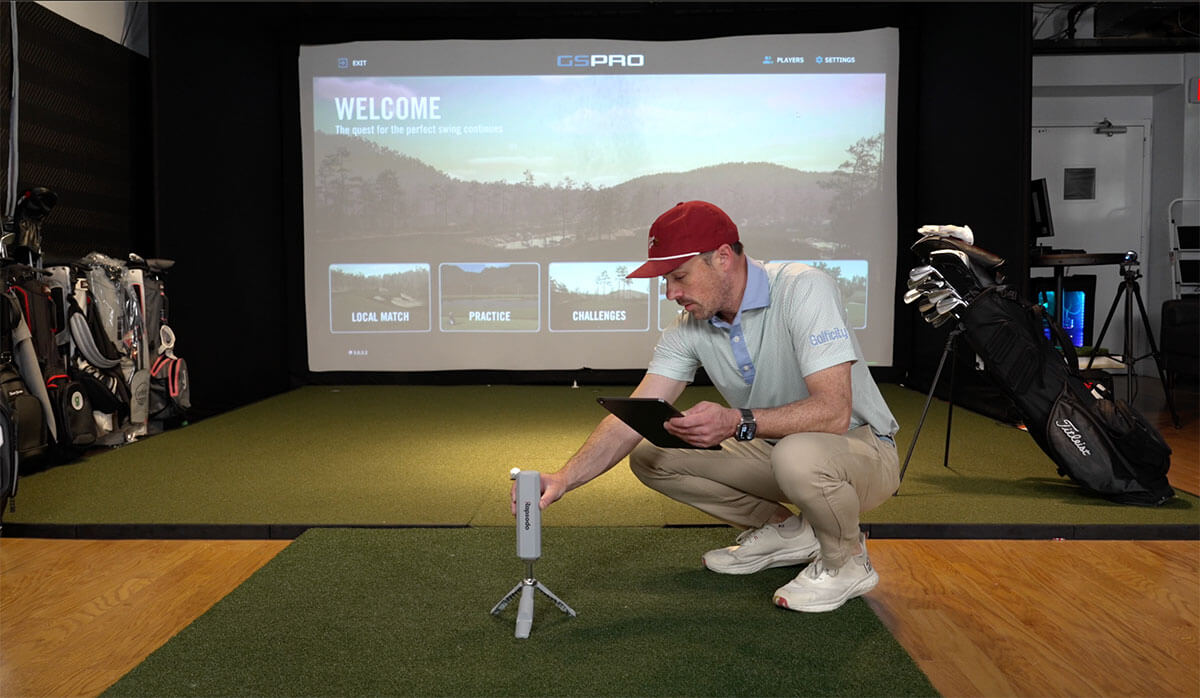
Getting started is surprisingly fast and painless. Here’s a simple step-by-step overview:
-
Update Your Rapsodo App and Firmware: Make sure you’re using the latest version of the Rapsodo app. Then update your MLM2PRO’s firmware.
-
Enable GSPro in the App: Inside the app, head to the third-party apps section. If everything is up to date, you’ll see GSPro listed. Tap “Authenticate” to connect it.
-
Install GSPro on a Gaming PC: Unlike other integrations that work with tablets or smartphones, GSPro is PC-only software. You’ll need a Windows-based desktop or laptop with enough power to run the software smoothly. GSPro’s website lists the recommended specs.
-
Connect Your Device: Once GSPro is installed on your PC, launch the software. It will automatically detect your MLM2PRO via Bluetooth. Select your golf ball type (e.g., Titleist Pro V1), and you’re ready to play.
What You’ll Need
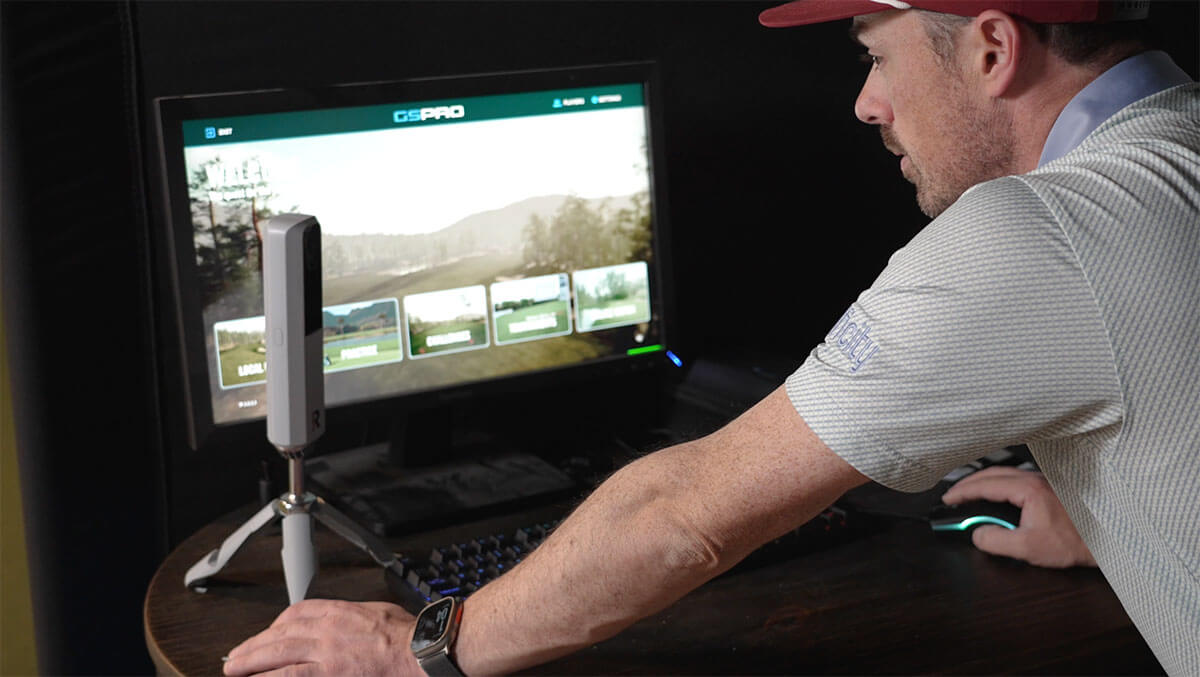
1.) A gaming-capable Windows PC or laptop.
3.) Rapsodo MLM2PRO with updated firmware
4.) Rapsodo mobile app (iOS or Android)
Why GSPro Is So Popular
Even if you’re new to GSPro, it won’t take long to see why it’s earned such a strong following. Here are some of its standout features:
Practice Modes
-
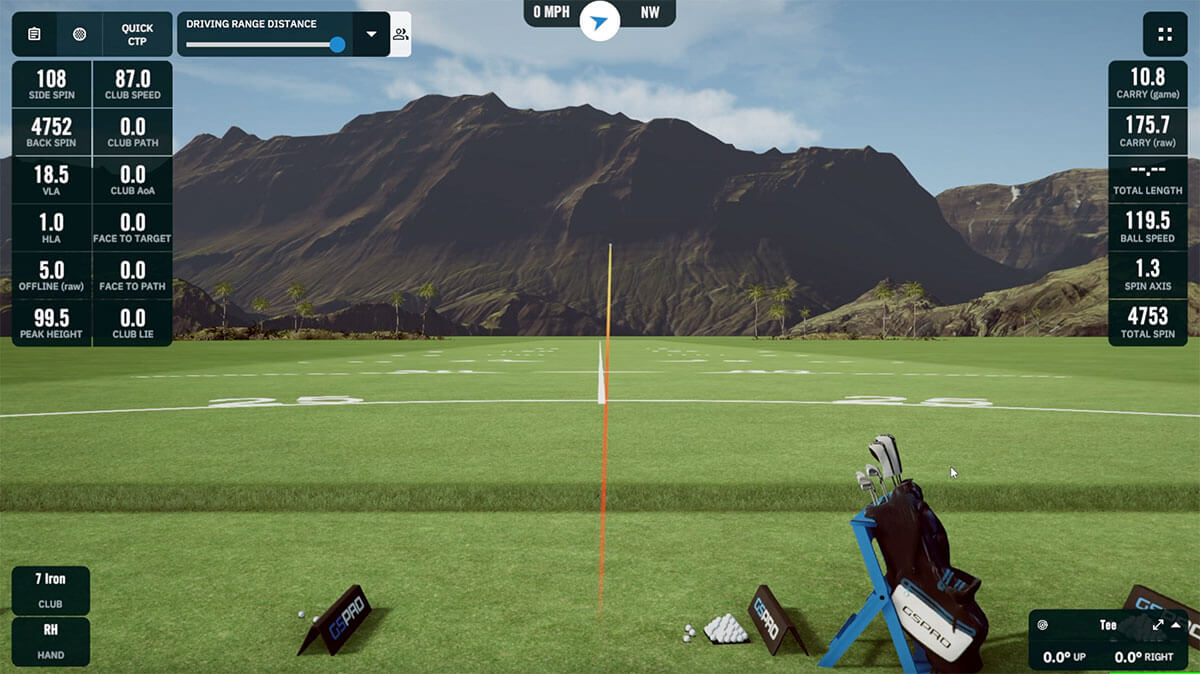
Driving Range Mode: A clean, responsive interface that displays real-time launch data. You can hit every club in your bag and even export your data at the end of each session.
-
On-Course Practice: Choose from thousands of user-generated golf courses and practice specific shots from any position. Whether it’s the 16th at Cabot Cliffs or the 19th at Payne’s Valley, you can practice it on repeat.

Skills Challenges
GSPro includes built-in challenges that make practice more engaging. It’s a great way to work on different types of shots while still having fun — solo or with friends.
Simulation Gameplay
-
Play online or local matches,
-
Join online simulator tournaments,
-
Access thousands of courses — all created and updated by the GSPro community.
-
Customize tee boxes, green speeds, wind conditions, and more.
-
Choose from stroke play, match play, scramble, alternate shot, and more.
Rapsodo MLM2PRO + GSPro = A Budget-Friendly Power Combo
During testing, the Rapsodo MLM2PRO picked up all shot types consistently — including short chip shots around the green. That’s a major win, especially when comparing it to much more expensive launch monitors.
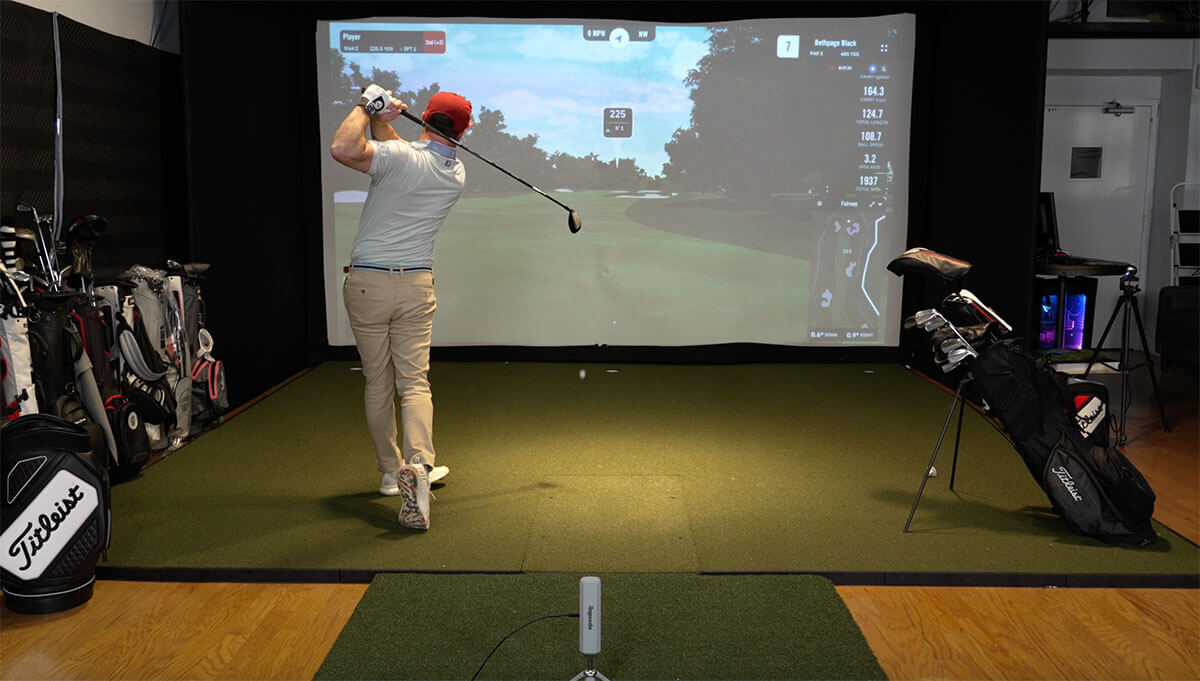
The one limitation? The MLM2PRO doesn’t currently support putting. But GSPro includes multiple auto-putting options to fill the gap.
If you’ve been on the fence about getting the MLM2PRO because you were waiting for GSPro support — now’s your chance. And if you already own one, this integration takes your system to the next level.
Final Thoughts
Combining the Rapsodo MLM2PRO with GSPro gives golfers a realistic, feature-rich simulator experience without breaking the bank.

Whether you’re looking to sharpen your skills, compete with friends, or just enjoy a round at your favorite course from the comfort of home, this setup delivers.


LIV Golf Could Be Facing its Final Chapter

Foresight GC2 Review: A Surprisingly Affordable Launch Monitor From Foresight

FIRST LOOK: Rapsodo MLM2XPRO Adds Putting, Faster Performance & More

FIRST LOOK: Titleist’s 2027 Pro V1 and Pro V1x Are Officially Showing Up on Tour

2026 Presidents Cup Preview: Did Team USA Get It Right?
2026 Presidents Cup Preview: Did Team USA Get It Right?
FIRST LOOK: Rapsodo MLM2XPRO Adds Putting, Faster Performance & More
Foresight GC2 Review: A Surprisingly Affordable Launch Monitor From Foresight
FIRST LOOK: Titleist’s 2027 Pro V1 and Pro V1x Are Officially Showing Up on Tour
LIV Golf Could Be Facing its Final Chapter

We Played This Old Golf Course Where Thomas Edison Was A Member

Are You MEASURING Your Golf Swing Correctly? (This Can Help)

Zach Johnson Explains Why He Didn’t Pick Bryson DeChambeau for the Ryder Cup

Justin Thomas FIRES Coach before Ryder Cup…Who’s Next?
