
Golf Instruction
SuperSpeed Golf – 10 Weeks to Outdriving Everyone: Week 1

SuperSpeed Golf recently sent me a bundle of both their Speed Sticks Pro and Force Board Pro in an effort to show how their system creates a faster golf swing that leads to better ball speed and more distance off the tee and in the fairway.
Everyone who plays golf wants to hit the ball long and straight in an effort to outdrive all of their friends. Nothing feels better than hitting the ball past your playing partners, but it takes a lot of work and effort to get to that point. Until SuperSpeed came along, it came down to getting fit, taking lessons, and putting endless hours in the gym without any true statistical evidence.
SuperSpeed is doing things differently. In this 10-week series, I will walk you through every part of the protocol, what you’ll need to do it, and how much my swing speed increases over the course of the program, and how it translates to more distance as the season goes on.
What You’ll Need
The best part about the SuperSpeed system is that you do not need a simulator every week, nor do you need a bunch of space or a driving range to work on your game and get faster. But here’s a list of everything you’ll need to have:
SpeedSticks Pro
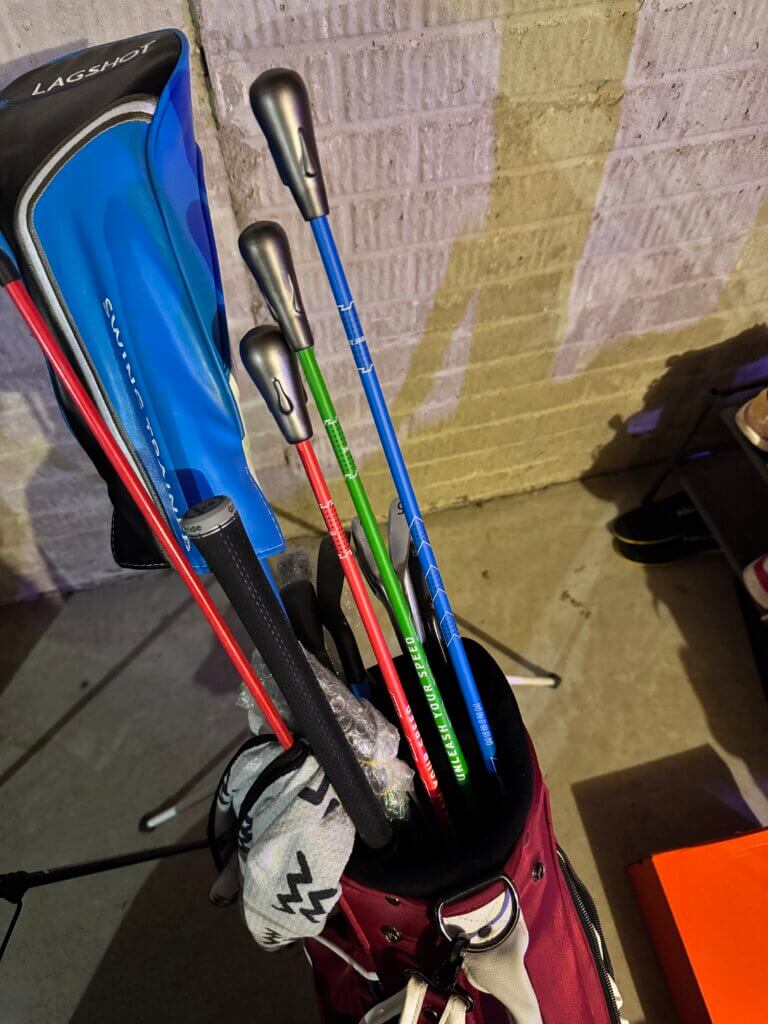
The SpeedSticks Pro will come with three different swing weights that you will utilize for your protocol. Each workout will require you to swing these, and it will track the speeds of each through datapoints so you can look at your progress. You will need to input the speeds manually, but the rest is done for you.
I keep them in my “training aid bag,” where many great game improvers are kept:
Force Board Pro
If you’re doing the more in-depth protocol, you will also need the Force Board Pro, which will help you improve stability in your midsection and legs. More stability means more strength, which means more speed for you. This will result in more distance.
A more in-depth article on the Force Board and that specific protocol will be written in the future: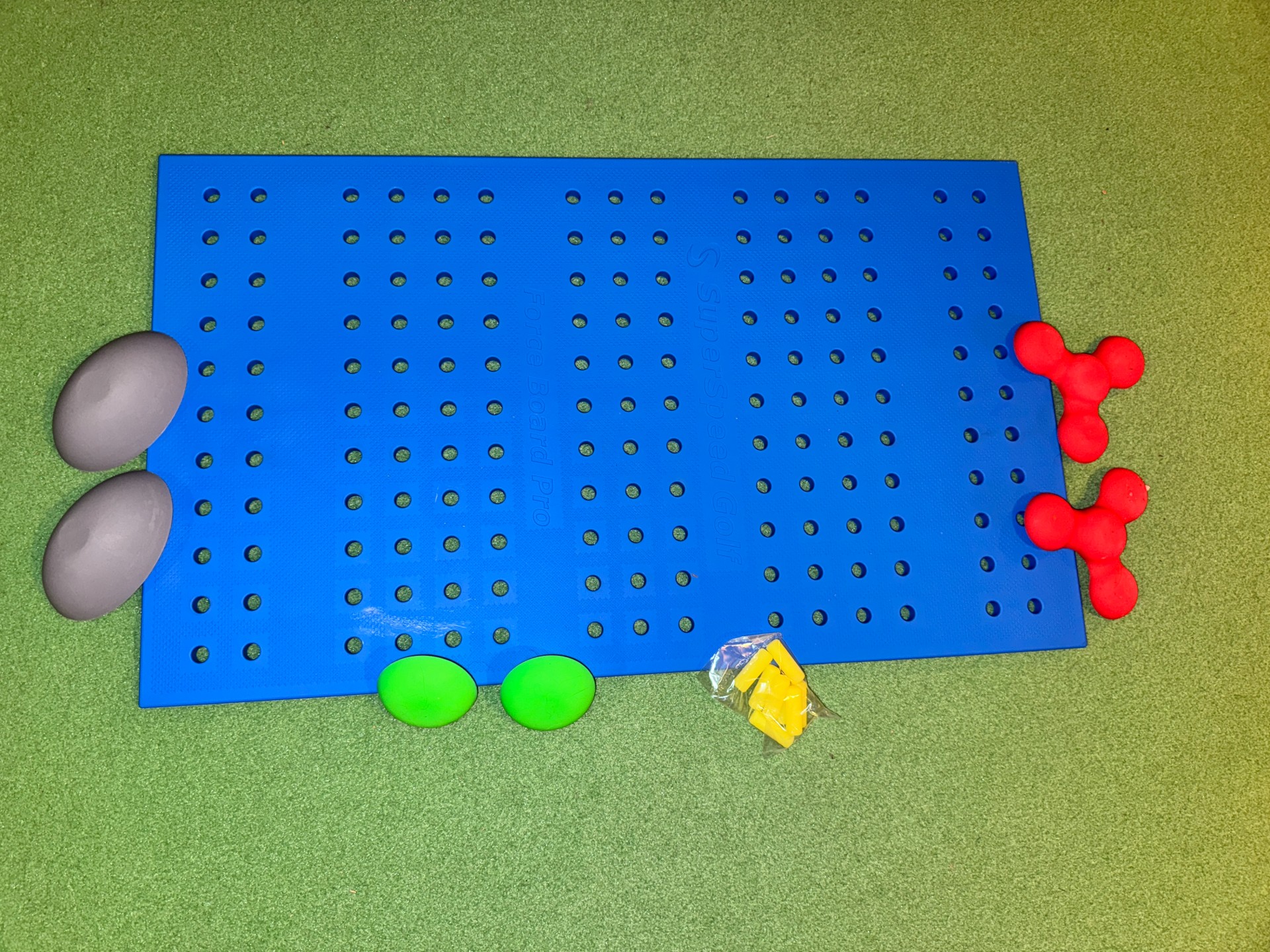
Simulator (at least at first)
Initially, you’ll need to hit a simulator or some place that can give you accurate metrics on ball speed, clubhead speed, spin, and distance, but the latter two are optional.
Get your driver and 7-iron warmed up and take a few swings using the SuperSpeed app to track your stats.
I performed my initial speed assessment and got the following figures, which are tracked automatically in the app. You’ll do this every few weeks just to track your progress, but it is a good idea to go and get some fresh numbers right before you start the protocol:
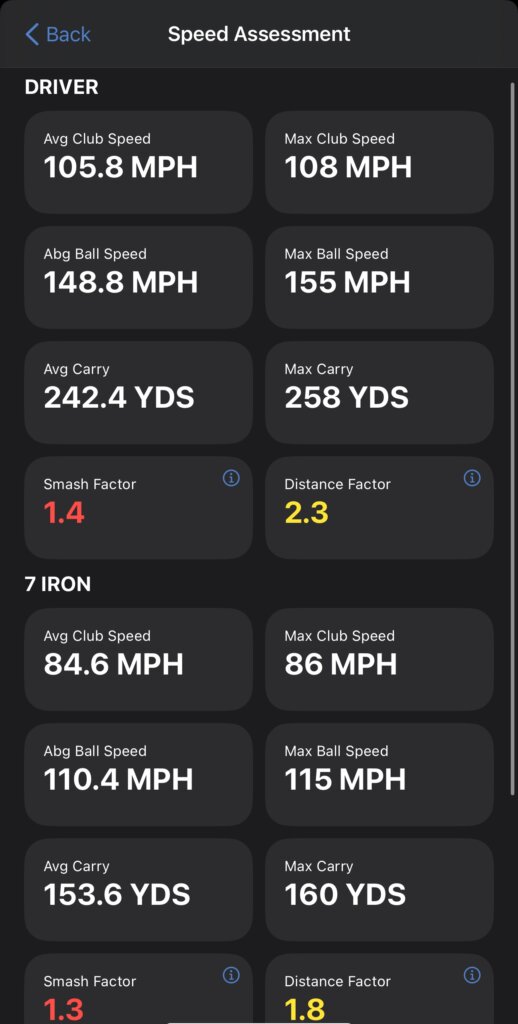
Nothing was too impressive on here, but for my first simulator session since the new year started, I’m not too upset with what I was able to capture here. I know these numbers will go back to normal as I get some more sessions in.
PRGR or Other Launch Monitor
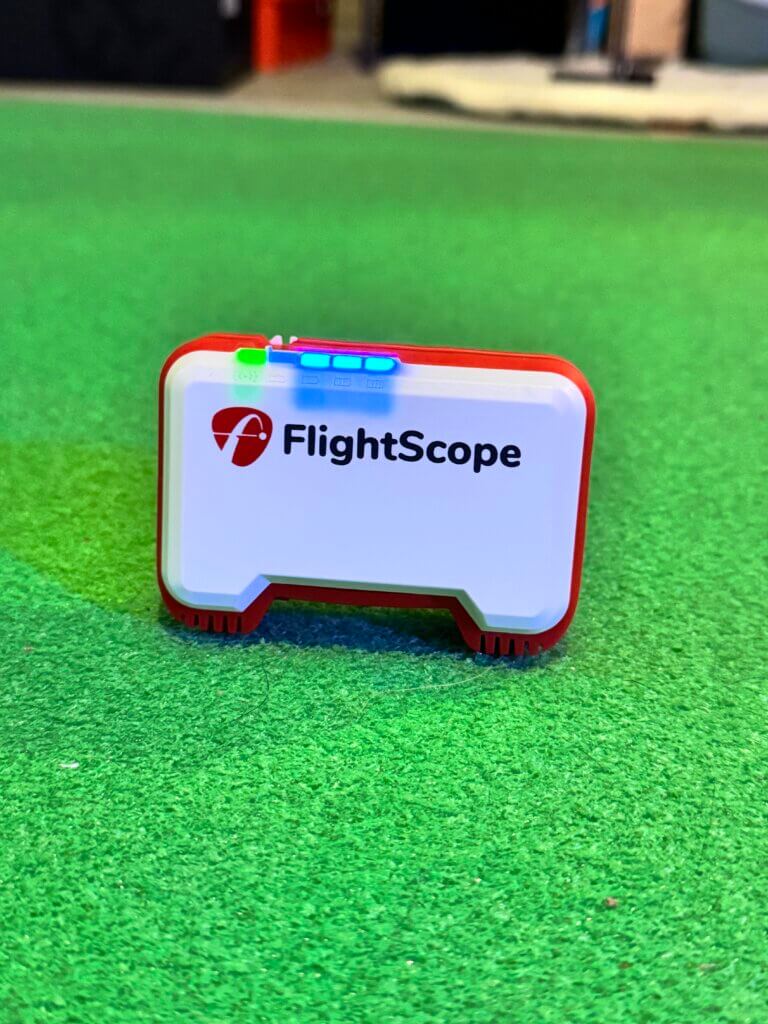
I used my FlightScope Mevo, which does not require a ball to capture clubhead speed. I simply sat it on my BirdieBall putting mat in my basement and made sure to give myself enough space so I wouldn’t whack it with the SpeedSticks.
iPad or iPhone (for FlightScope Mevo)
You’ll need to connect the launch monitor to whatever piece of tech you have lying around: an iPhone or an iPad works great, but some do not require this and will give you an accurate reading on their own.
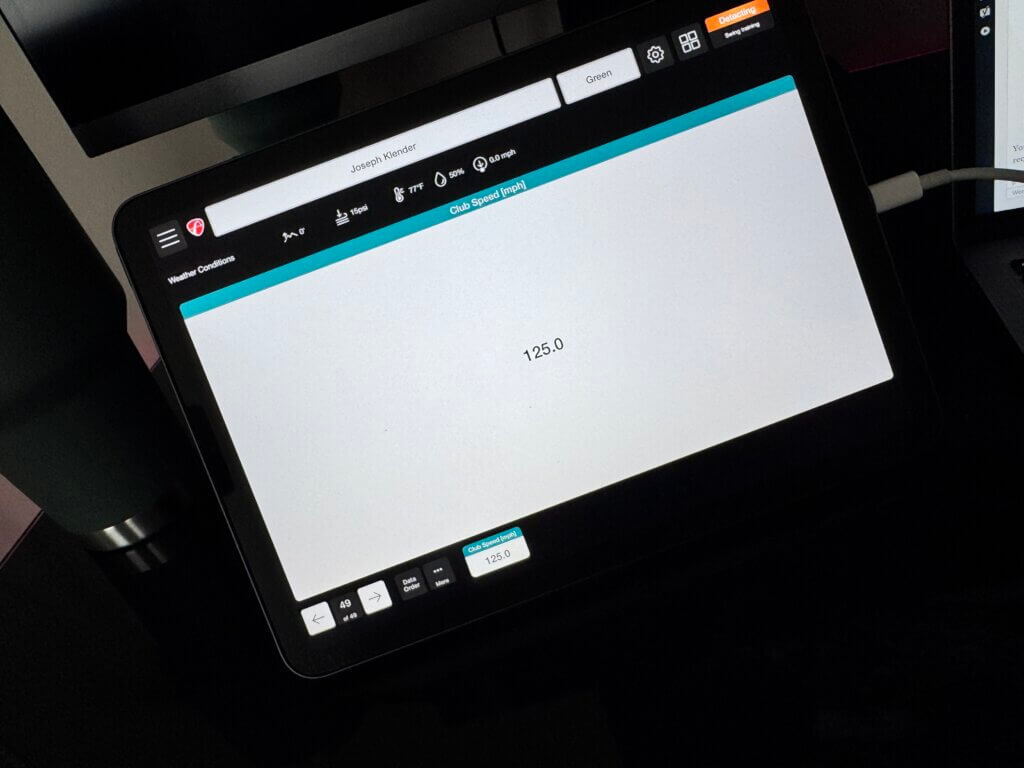
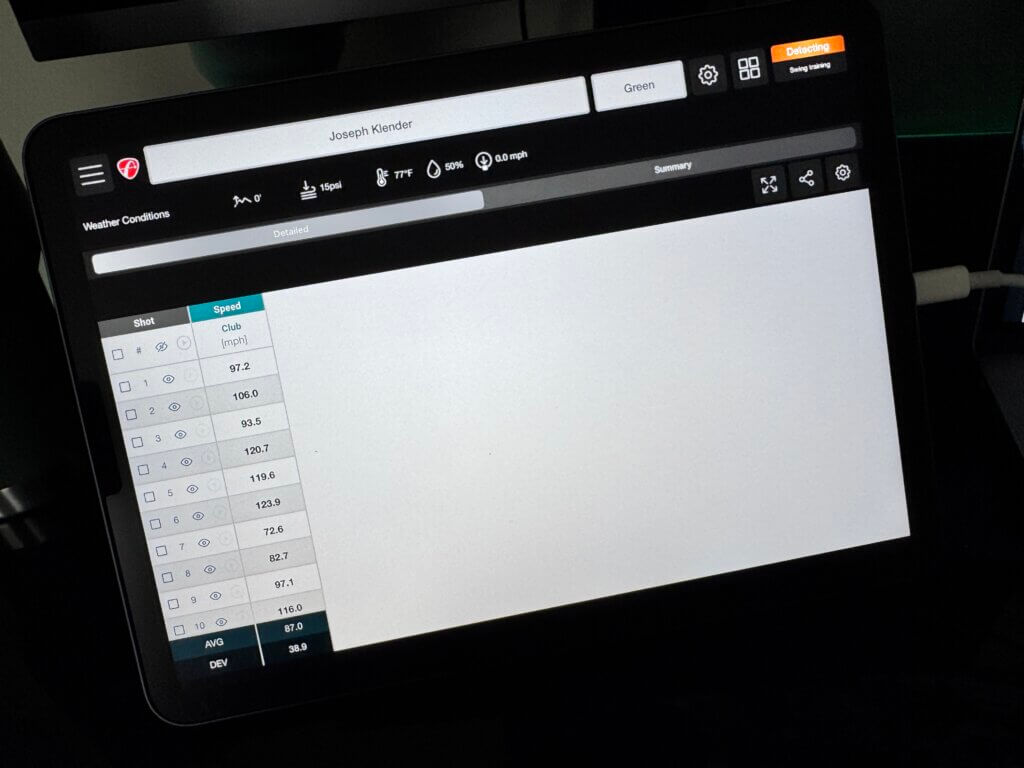
If you are able, definitely use something different than your phone to track speeds because you will want to keep the SuperSpeed app running on your phone. You will have to manually input your clubhead speeds and your protocol for the day will tell you which clubs to use, how many reps to do, and so on.
Week 1 Results
My first SuperSpeed training session consisted of the Overspeed Level 1 protocol, which saw me take three swings with each weight from my dominant side, and three swings with the non-dominant side for two rounds, before finishing with one last set with the lightest, green swing weight.
I took 49 swings in total, as some of the swings did not capture on the FlightScope. Here were my results:
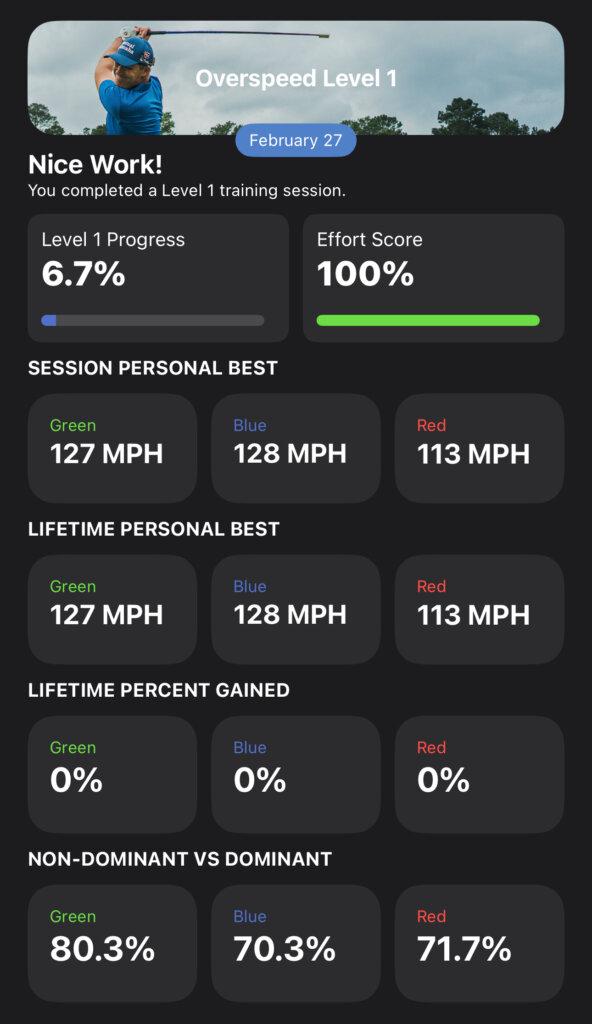
Early on, I’m sure that I will see some improvement from my 105.8 MPH and 84.6 MPH for driver and 7-iron, respectively. These were very controlled, non-aggressive swings that will see plenty of climb. The 7-iron readings would be on par for what the average is for amateur golfers, which falls between 80 and 90 MPH.
My Expectations and Goals
What I’d truly like to see from this program is at least an 8-10 percent increase in overall speed for both driver and irons. This would put me around 115 MPH for driver and around 91 MPH for irons.
I’ll be posting this series weekly, and every five weeks I will do a simulator check-in to see how the protocol is translating to real-world increases.
Cover Image via SuperSpeed Golf


Ocean City Golf Trip Guide: Great Courses, Affordable Golf & A Beach Town Vibe

LIV Golf Could Be Facing its Final Chapter

Foresight GC2 Review: A Surprisingly Affordable Launch Monitor From Foresight

FIRST LOOK: Rapsodo MLM2XPRO Adds Putting, Faster Performance & More

FIRST LOOK: Titleist’s 2027 Pro V1 and Pro V1x Are Officially Showing Up on Tour
FIRST LOOK: Rapsodo MLM2XPRO Adds Putting, Faster Performance & More
Foresight GC2 Review: A Surprisingly Affordable Launch Monitor From Foresight
FIRST LOOK: Titleist’s 2027 Pro V1 and Pro V1x Are Officially Showing Up on Tour
LIV Golf Could Be Facing its Final Chapter
Ocean City Golf Trip Guide: Great Courses, Affordable Golf & A Beach Town Vibe

We Played This Old Golf Course Where Thomas Edison Was A Member

Are You MEASURING Your Golf Swing Correctly? (This Can Help)
Zach Johnson Explains Why He Didn’t Pick Bryson DeChambeau for the Ryder Cup

Justin Thomas FIRES Coach before Ryder Cup…Who’s Next?